
Commercial Debt Recovery Specialists | Darcey Quigley & Co

Xero QuickBooks Microsoft Dynamics ⚡ Zapier </> API NATIVE CONNECTORS · ZAPIER · REST API · CSV UPLOAD

Chase less.
Collect more.

DQ Collect connects to the finance tools you already use. Xero, QuickBooks and Dynamics 365 sync out of the box — everything else via Zapier or our API. Flag an overdue invoice, get your quote, and keep your cash flow moving.

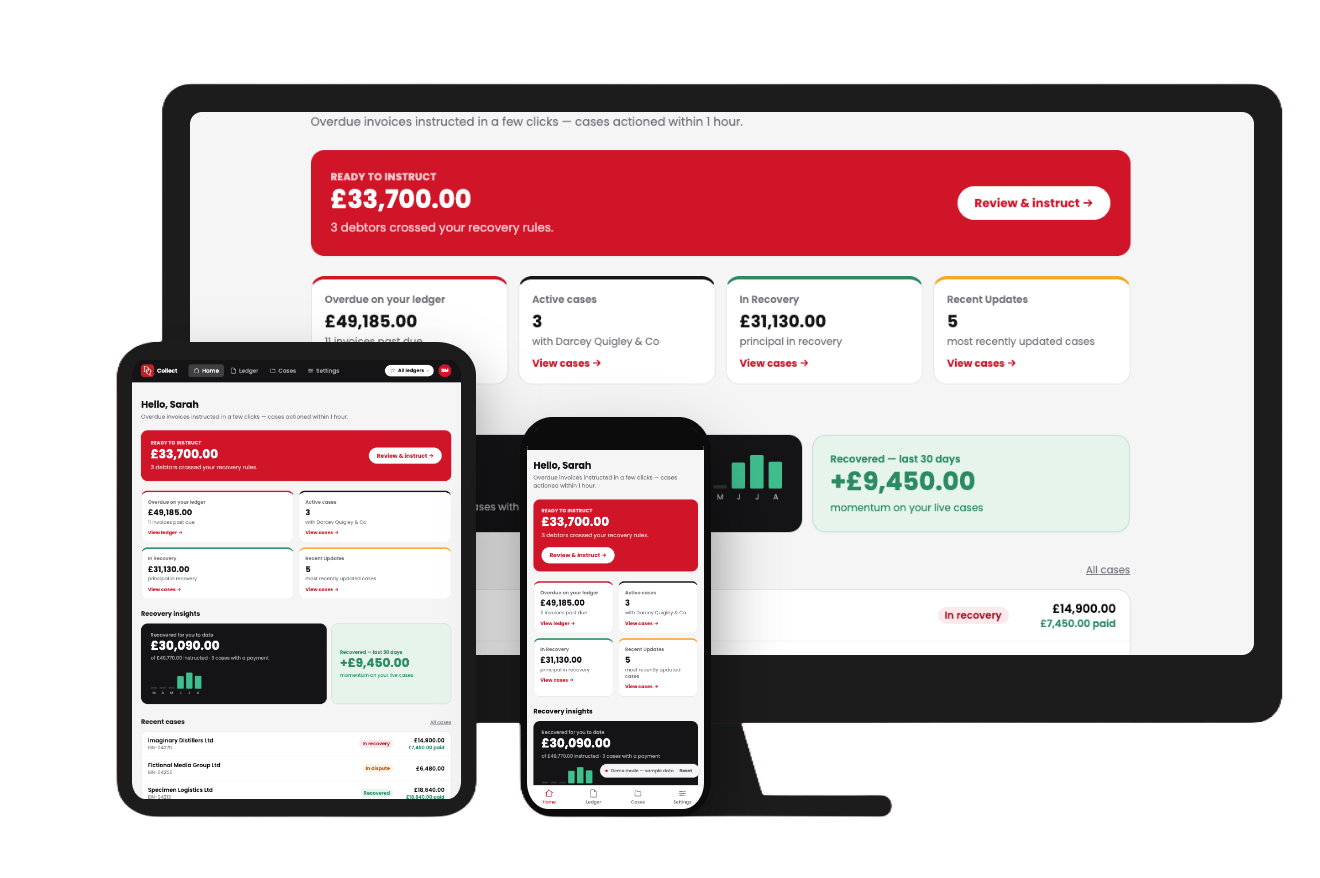
DQ Collect dashboard on desktop

Three ways to connect

Whatever your ledger looks like, there’s a route into DQ Collect. Pick the one that fits how your finance team works — you can always change it later.

Most popular
Native connectors

Connect in two minutes

Xero, QuickBooks Online and Dynamics 365 Business Central sync your outstanding invoices automatically. No setup beyond signing in.


Best for: most businesses
⚡
Early access
Zapier

No code, no developers

Send invoices into DQ Collect from thousands of apps with a Zap. If your system talks to Zapier, it talks to us — in clicks, not code.

Request early access →
Best for: bespoke or less common systems
</>
REST · OpenAPI
API

Built for your stack

A documented REST API for pushing invoices straight from your ERP or in-house systems. Tenant API keys, OpenAPI spec, and a sandbox to test against.

POST /api/v1/invoices
Read the API docs →
Best for: finance teams with in-house dev or an ERP
⇧ Prefer to start simple? Upload a CSV or add invoices manually — no connection needed.

Submit in a few clicks

Send overdue invoices straight to our recovery team. No extra systems, no admin.

£

Transparent pricing, upfront

A clear recovery quote before anything moves, so you always know what to expect.

Real-time status tracking

Every case updates automatically. You’re never left chasing for news.

How it works

01

Connect your ledger

Sync with Xero, Quickbooks or Microsoft Dynamics 365 once. DQ Collect keeps every invoice up to date automatically.

02

Flag the overdue case

Select an invoice and submit it for recovery in a few clicks, right where you’re already working.

03

Get your quote

Receive a transparent recovery quote before anything moves. No hidden fees, ever.

04

Track it live

Watch the case update in your dashboard as our team works it, step by step.

See it in the app
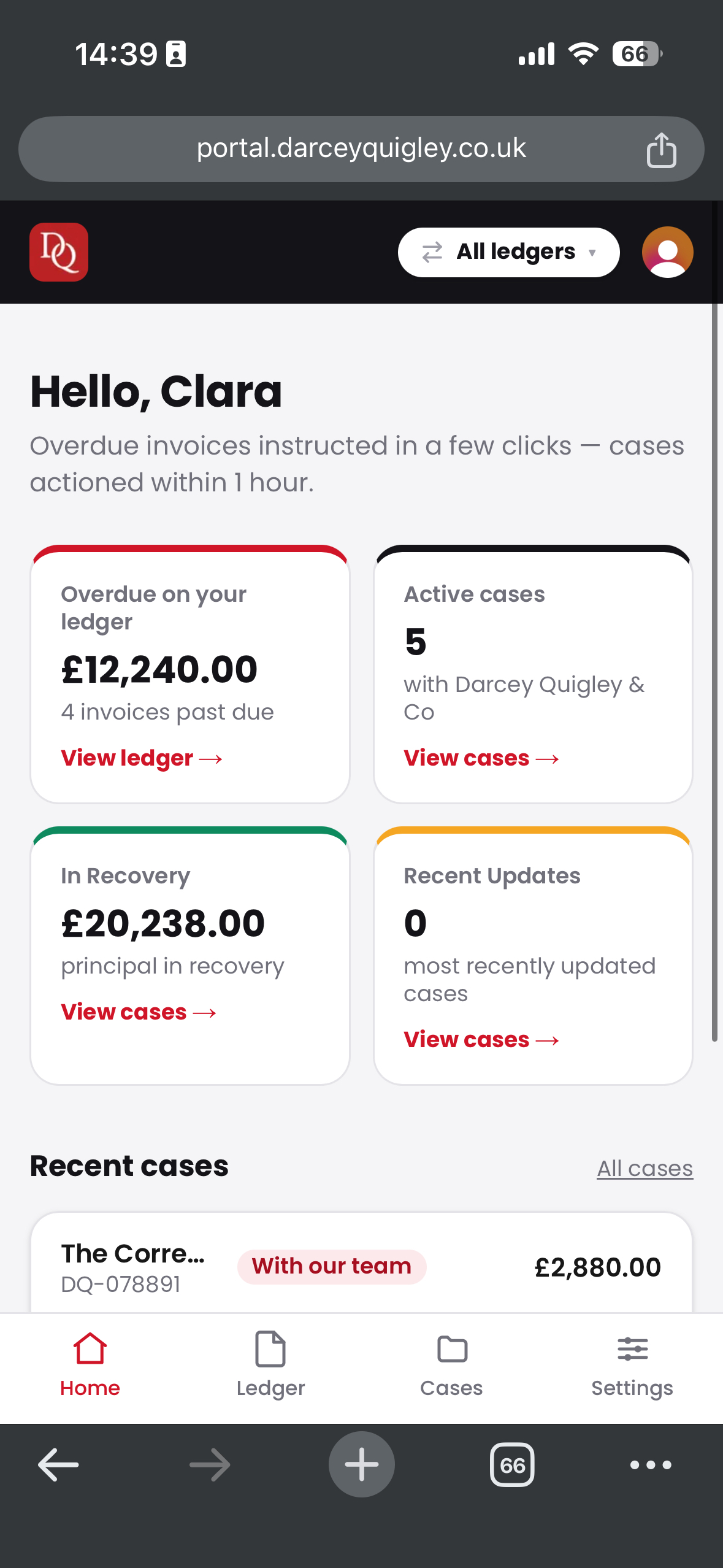
DQ Collect dashboard on mobile

Very good service and no problem with recommending them.

Rated Excellent on Trustpilot
93%success £547M+recovered <1hrto action

Questions, answered

Is DQ Collect free?

Yes. DQ Collect is completely free for Darcey Quigley clients — no extra software cost on top of your recovery fee.

Do I need to be a DQ client already?

No — anyone can sign up at any time, by themselves. New to Darcey Quigley & Co? You’ll get set up alongside your first quote.

What happens after I submit a case?

Our recovery team reviews it, sends a transparent quote, and gets to work once you approve. Every update appears in your dashboard in real time.

Is my data secure?

Yes. DQ Collect only accesses the invoice data needed to action a case.

Cashflow problems don’t wait.
Neither should you.

Get DQ Collect

Free for Darcey Quigley clients · [email protected]